Small businesses today operate in a highly competitive environment. Whether it is a local service provider, an online store, a marketing agency, a startup, or a growing professional firm, businesses need reliable technology to manage daily operations. However, investing in expensive servers, complicated software installations, and large IT teams is not always practical for smaller organizations.
This is where Software as a Service (SaaS) has become increasingly important.
SaaS allows businesses to access software through the internet, usually by paying a monthly or annual subscription. Instead of purchasing software outright and installing it on individual computers, companies can use cloud-based applications from almost anywhere.
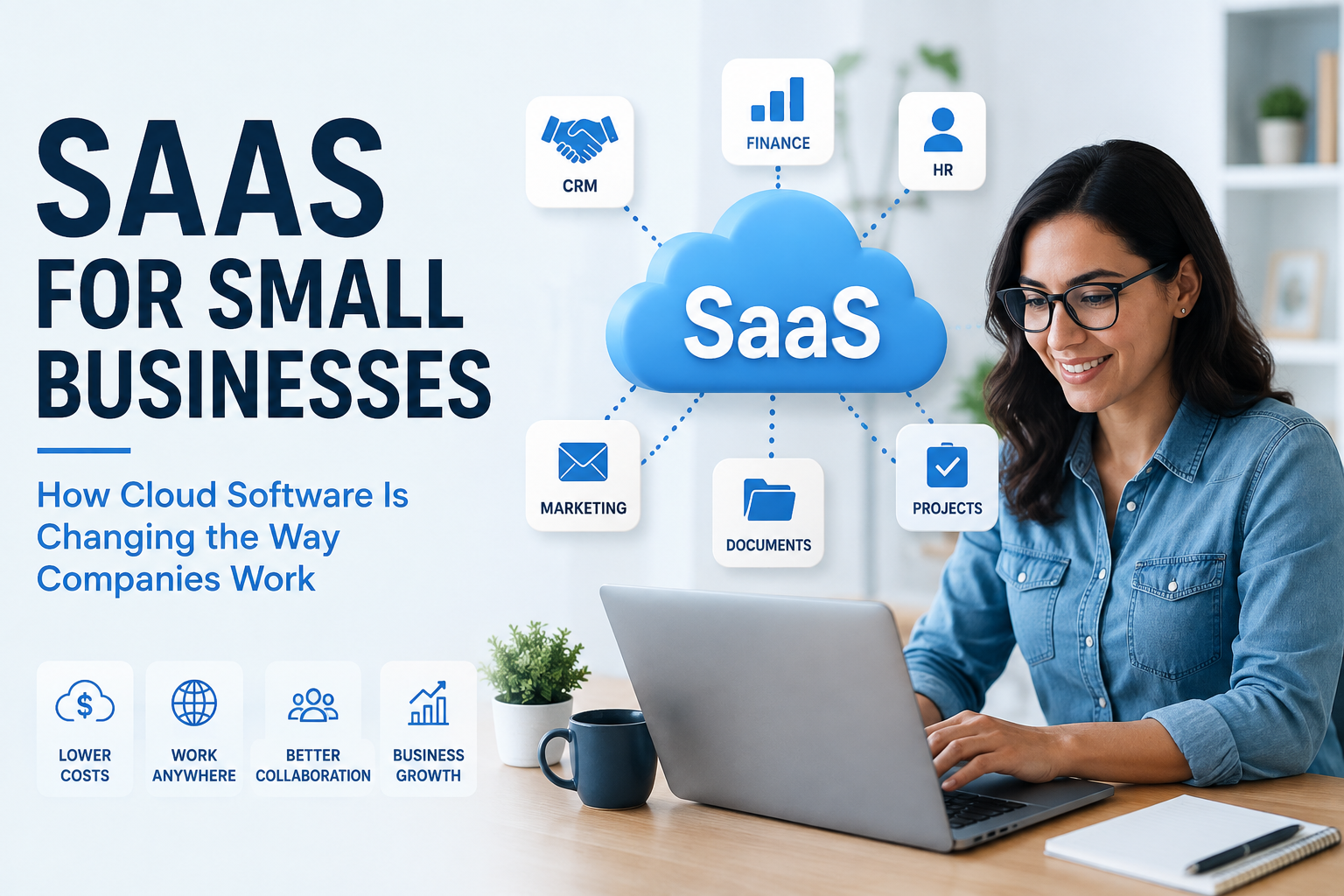
From accounting and customer relationship management to communication, project management, human resources, and marketing, SaaS solutions now cover almost every area of business.
What Is SaaS?
Software as a Service is a software delivery model in which an application is hosted by a service provider and accessed over the internet.
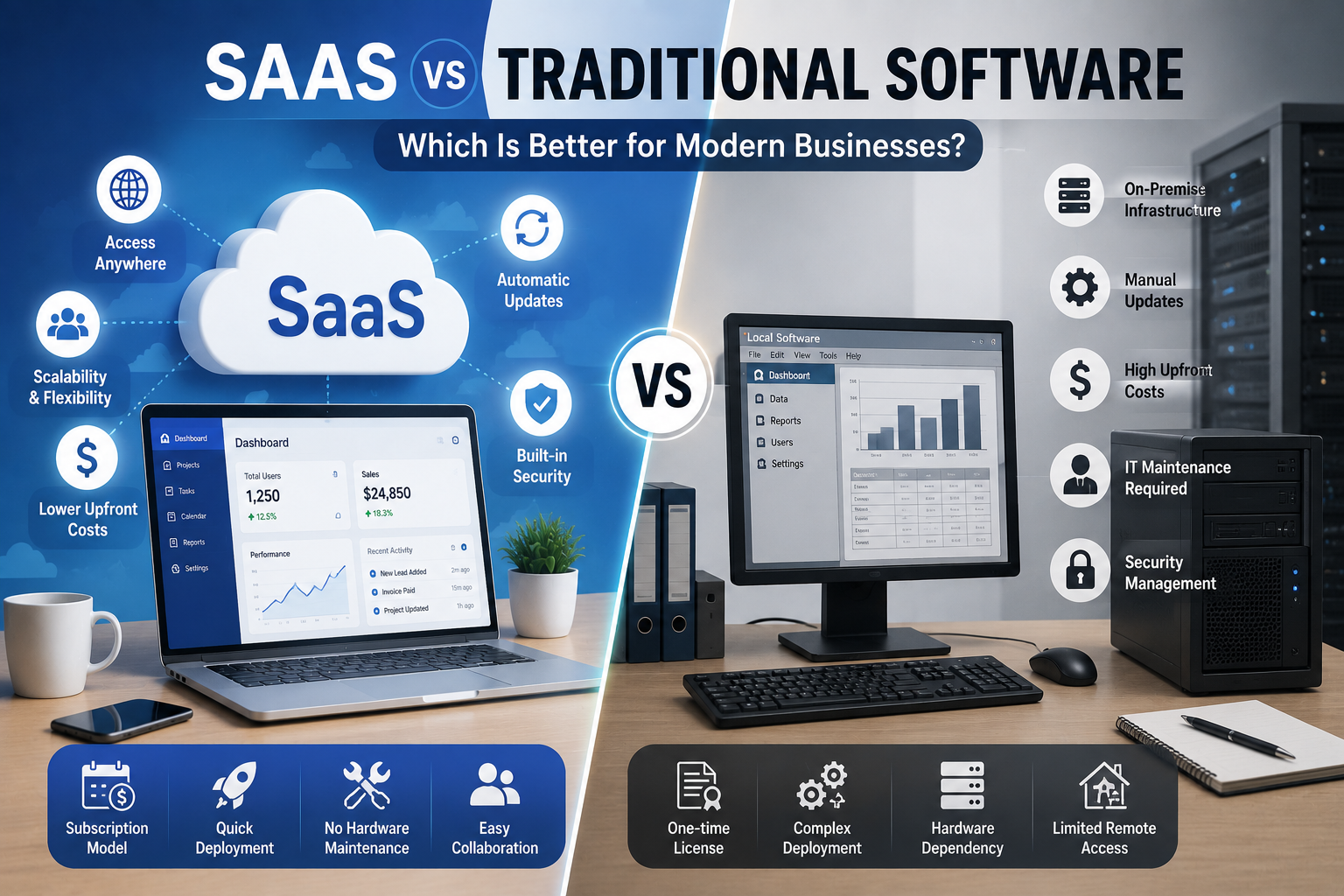
Traditional software often requires businesses to purchase a license, install the program, maintain hardware, and handle updates themselves. SaaS shifts much of that responsibility to the provider.
Users generally need an internet connection and an account to access the application.
Common SaaS categories include:
- Accounting and financial management
- Customer relationship management
- Project management
- Human resources
- Email marketing
- Communication and collaboration
- Document management
- Cybersecurity
- Customer support
- E-commerce management
This flexibility makes SaaS particularly attractive to small businesses.
Lower Technology Costs
One of the biggest advantages of SaaS is reduced upfront investment.
Traditional business software may require expensive licenses, dedicated servers, installation, maintenance, and technical support. A small business may not have the budget or technical staff to manage all of these requirements.
SaaS usually works on a subscription model. Businesses can select a plan based on their requirements and increase or decrease their usage as they grow.
This can make advanced software accessible to companies that previously could not afford enterprise-level technology.
Instead of making a large investment at the beginning, businesses can spread costs over time.
Easy Access From Anywhere
Modern businesses are no longer restricted to a single physical office.
Employees may work from home, travel between locations, or operate from different cities. SaaS applications support this increasingly flexible working environment because users can access their information through internet-connected devices.
For example, a sales employee can check customer information while traveling, while a manager can review project progress from home.
This accessibility can improve productivity and make collaboration easier.
Automatic Updates
Keeping traditional software updated can be time-consuming.
Businesses may need to download patches, install new versions, and troubleshoot compatibility problems. SaaS providers generally manage updates on the server side.
This means users can often access new features, performance improvements, and security updates without manually installing major software versions.
For small businesses with limited IT resources, this can save valuable time.
Better Collaboration
SaaS applications can bring employees, customers, and business partners onto shared platforms.
Project management tools can allow team members to see deadlines and tasks. Cloud document platforms can enable several employees to work with shared files. Communication applications can help distributed teams stay connected.
Instead of maintaining separate copies of information on individual computers, employees can work from centralized systems.
This reduces confusion and can improve organizational visibility.
SaaS Supports Business Growth
Scalability is another major benefit.
A small business may begin with a few employees and a limited customer base. As the company grows, its technology requirements change.
Many SaaS platforms allow businesses to add users, storage, features, or integrations as needed.
This means companies do not necessarily have to replace their entire software infrastructure every time they expand.
For startups, this flexibility can be especially valuable.
SaaS for Customer Management
Customer relationships are critical for small businesses.
A CRM platform can help companies organize customer information, track sales opportunities, record interactions, and manage follow-ups.
Without a centralized system, customer information may be scattered across spreadsheets, emails, notebooks, and messaging applications.
A SaaS CRM can bring these details together.
Sales teams can understand where prospects are in the buying process, while managers can monitor sales performance and identify opportunities.
SaaS for Accounting and Finance
Financial management is another area where SaaS can simplify operations.
Cloud accounting applications can help businesses track income, expenses, invoices, payments, and financial reports.
Some platforms also support collaboration with accountants and financial professionals.
Automated reminders and reporting can reduce repetitive administrative work and give business owners better visibility into their finances.
However, businesses should still ensure that financial information is handled securely and that the selected provider meets applicable regulatory requirements.
SaaS and Remote Work
The rise of remote and hybrid work has increased the importance of cloud-based applications.
Employees need access to business systems regardless of where they are working.
SaaS can support remote teams by providing centralized access to:
- Company documents
- Project information
- Customer records
- Communication channels
- Financial information
- HR systems
- Marketing tools
When these applications are properly configured, employees can maintain productivity without being physically present in the office.
Challenges Small Businesses Should Consider
Although SaaS offers many advantages, it is not automatically the right solution for every company.
Businesses should consider several potential challenges.
Internet Dependence
Most SaaS applications require internet connectivity. A poor connection can make accessing important systems difficult.
Subscription Costs
Monthly subscriptions can appear inexpensive individually, but multiple SaaS subscriptions can become a significant recurring expense.
Data Security
Businesses are trusting third-party providers with potentially sensitive information. Security practices, encryption, access controls, backups, and compliance should therefore be carefully evaluated.
Vendor Lock-In
Moving data from one SaaS provider to another may not always be simple. Companies should understand data export options before committing to a platform.
Integration Problems
Different SaaS applications may not work together smoothly. Businesses should check whether important tools can integrate with each other.
How to Choose the Right SaaS Tools
Small businesses should avoid choosing software simply because it has the largest number of features.
Instead, they should begin by identifying specific business problems.
Ask questions such as:
- What process currently consumes too much time?
- Which tasks could be automated?
- How many employees need access?
- Does the software integrate with existing tools?
- What security features are available?
- How easy is it to export business data?
- What is the total annual cost?
- Is customer support reliable?
- Can the platform scale with the company?
A free trial or demonstration can also help businesses evaluate usability before committing.
The Future of SaaS for Small Businesses
SaaS is likely to remain an important part of modern business technology.
Artificial intelligence, automation, analytics, integrations, and improved security are making cloud applications increasingly capable.
Instead of simply storing information, future SaaS platforms are likely to help businesses analyze data, automate routine work, predict trends, and make faster decisions.
For small businesses, this creates an opportunity to access sophisticated technology without maintaining large internal IT departments.
Conclusion
SaaS has changed the way small businesses approach technology. By reducing upfront costs, supporting remote access, simplifying updates, improving collaboration, and offering scalable services, cloud software can help smaller organizations compete in increasingly digital markets.
However, businesses should not subscribe to every tool available. The best approach is to identify genuine operational needs, evaluate security and costs, test platforms, and select applications that provide measurable value.
When chosen carefully, SaaS can become more than just software. It can become a flexible technology foundation that helps a small business operate efficiently and grow with confidence.